Teamtailor
User guide Orbio <> Teamtailor integration
1. Introduction to Orbio AI <> Teamtailor integration
Orbio is an AI-native HR system that puts HR teams and entire organizations in motion.
With the Teamtailor you will be able to transfer Jobs, Candidates and Applications automatically from Teamtailor to Orbio, where Orbio AI Agents will help you to hire and onboard the best candidates, keeping al l data synced between systems.
2. How to Enable the Integration
Note: Only users with the Company Admin role in Teamtailor can set up the integration.
Step 1: Activate the Integration
-
Activate the Orbio AI integration through the Teamtailor Marketplace.
-
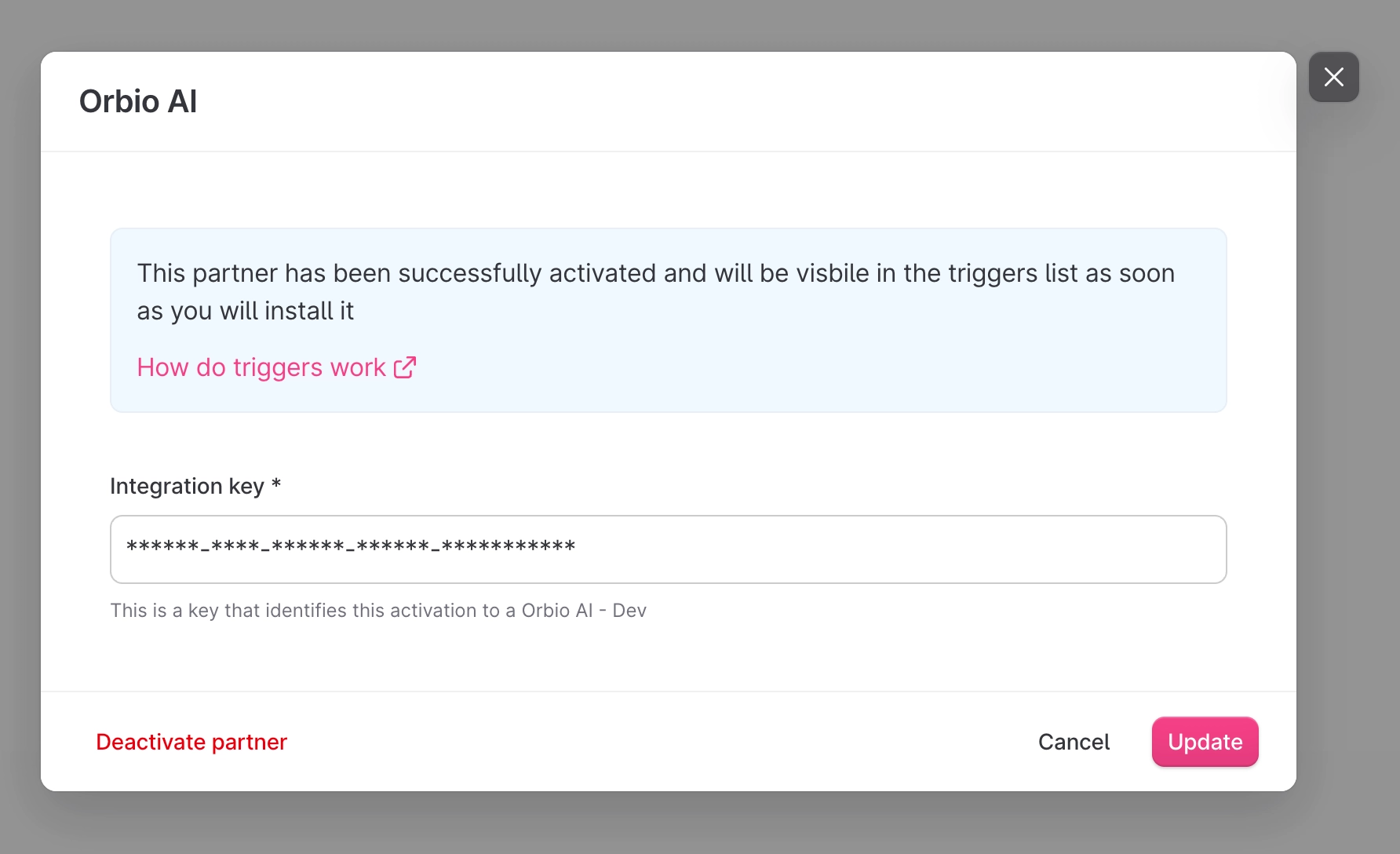
During activation, or when accessing the integration settings from the Marketplace, a pop-up will display an Integration Key.
-
Copy and store this key securely, as it will be required later in Orbio AI

-
Official Teamtailor guide to activate integration on the marketplace: https://support.teamtailor.com/en/articles/2861357-teamtailor-marketplace
Step 2: Create an API Key
-
Navigate to Settings > Integrations > API Keys.
-
Click + New API Key and enter the following:
-
Name: Orbio
-
Permissions: Admin read/write
-
-
Copy this API key, as it will also be required later in Orbio AI.
-
Both the Integration Key and the API Key can be retrieved at any time from the settings.

-
Official Teamtailor guide to create API Keys: https://support.teamtailor.com/en/articles/5963369-use-our-teamtailor-api?q=webhooks
Step 3: Configure Webhooks
-
Enable the Webhooks Add-on:
-
Go to Menu > Add-on Features > Search for Webhooks

-
-
Navigate to Settings > Integrations > Webhooks and create a new webhook:
-
Label: Orbio Webhook
-
Webhook URL: Provided by Orbio
-
Permissions: JobApplication create/update/destroy and Job create/update/destroy
-
Signature Version: v2

-
-
Copy the Signature Key, which will be required in Orbio AI.
Official Teamtailor guide to activate webhooks: https://support.teamtailor.com/en/articles/8068954-company-webhooks
3. Details Regarding the Integration
The integration between Teamtailor and Orbio AI is bidirectional:
Data from Teamtailor to Orbio AI
-
Job postings: title, job description, status, stages, and locations
-
Candidate applications: first name, last name, email, full CV, application status, dates, and more
-
Candidate status changes: updates when a candidate moves between stages
Data from Orbio AI to Teamtailor
-
Application status updates: synchronized in both systems
-
Scoring data: candidate scores and evaluation metrics
4. Support
Orbio AI provides support throughout the configuration process and while the integration is active.
How it works
Data transfer
Every time that a Job is created on your Teamtailor account it will be sent to Orbio automatically. If you want to filter which Jobs will be transfer this can be done inside Orbio AI platform.
Same happens with the Candidates and Applications. Once a candidate lands into Orbio it will trigger the agents to conduct your custom Hiring workflows running scoring, interviews, etc. Every time that the candidate status changes this will be notified to Teamtailor, so yo will see how your candidates are moving through the Stages automatically.
Orbio also sends notes and assessments results that will appends to the candidate/application details

